
HTML for Gadgets, lesson 9 of 9
Put Your Web Page on a Real ESP32
Introduction
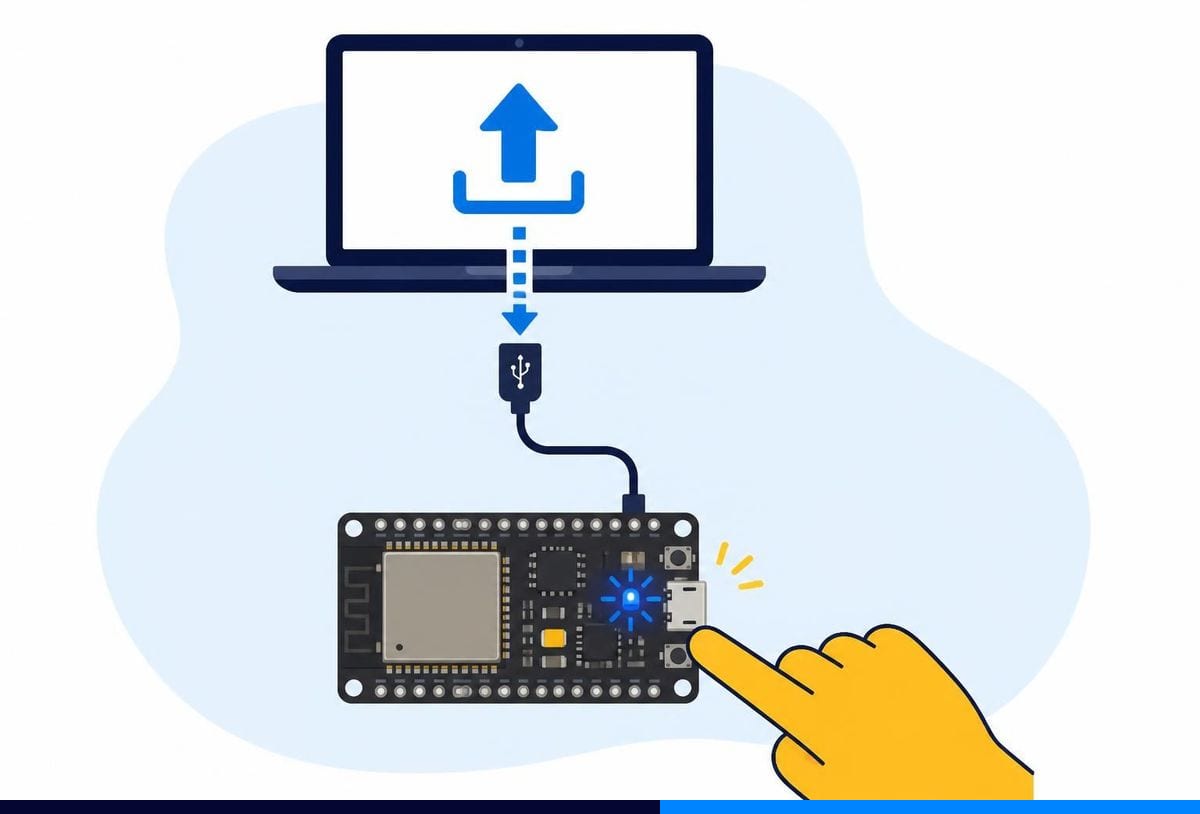
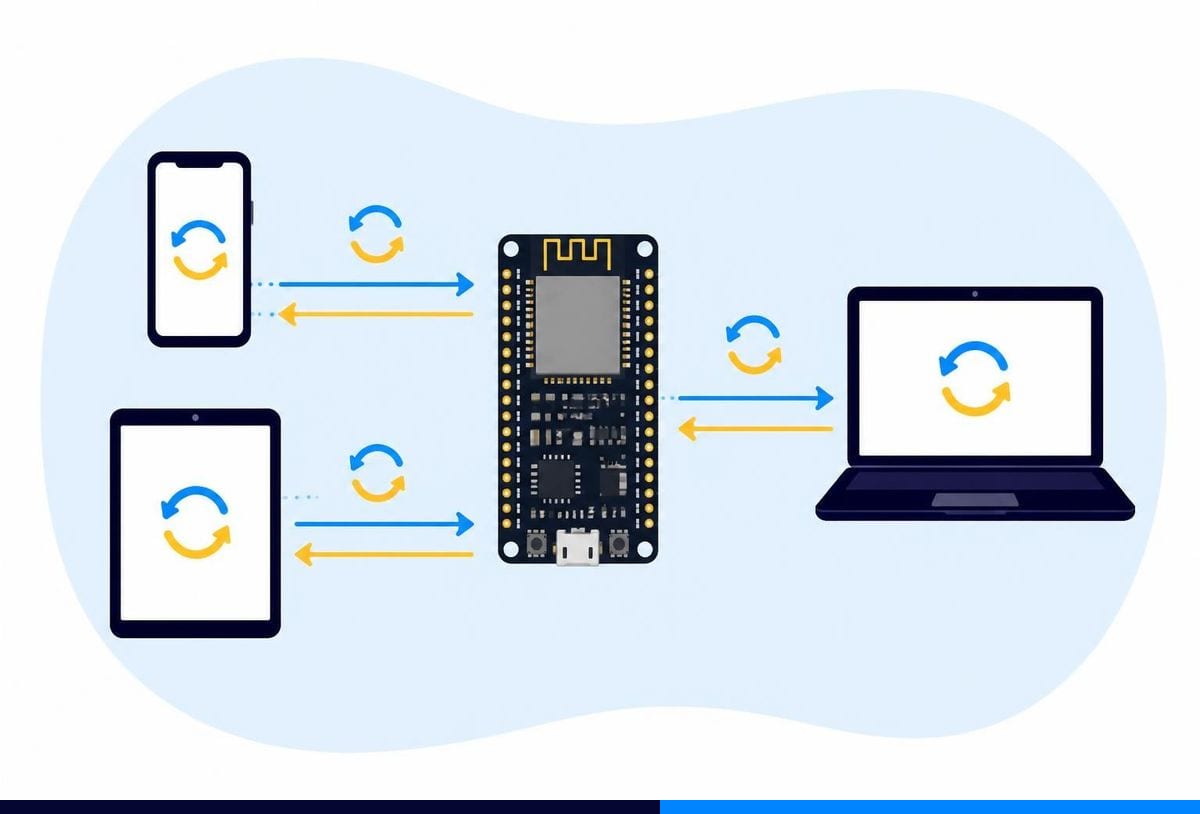
Your control panel works on the pretend ESP32. Now let's put it on a real one, so your phone can switch real things. You'll paste your HTML into an Arduino sketch and connect the buttons to pins.
What you'll need
- An ESP32 DevKit board and a USB cable
- An LED with a 220 Ω resistor, on GPIO 4
- A small fan or motor through a transistor or relay module, on GPIO 5 (or a second LED to start with)
- Arduino IDE with the ESP32 boards installed (see the ESP32 programming environment lesson)
- Your Wi-Fi name and password